


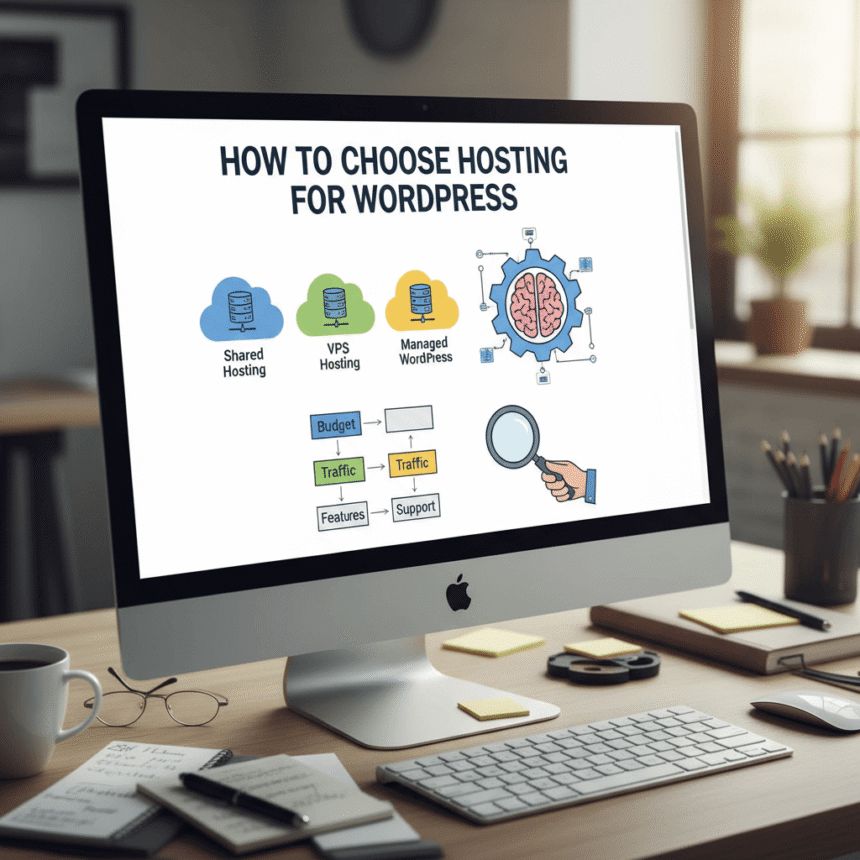
Choosing the right hosting for your website is one of the most important decisions you will make. Think of hosting as the house where your website lives. If the house has a weak foundation or bad plumbing, it doesn’t matter how beautiful the furniture is; things will eventually break.
For WordPress users, this choice is even more vital because WordPress has specific technical needs to run smoothly. Here is a simple guide to help you understand how to choose hosting for WordPress without getting lost in technical jargon.
Understand Your Website Needs
Before you look at companies, look at your own project. A small personal blog has very different needs than a large online store. Ask yourself these three questions:
- How much traffic do I expect? If you are just starting, your traffic will likely be low.
- What is my budget? Are you looking for the cheapest option or the most reliable one?
- How much “tech work” do I want to do? Do you want to manage server updates yourself, or do you want the host to handle everything?
The Different Types of Hosting
When you start shopping, you will see several different types of plans. Here is what they actually mean:
1. Shared Hosting
This is like living in an apartment building. You share the server resources (like memory and power) with hundreds of other websites.
- Pros: It is very cheap and easy to set up.
- Cons: If another website on your server gets a huge amount of traffic, your site might slow down.
2. Managed WordPress Hosting
This is a premium service where the hosting company handles all the technical parts of WordPress for you. They take care of security, updates, and daily backups.
- Pros: Very fast, very secure, and saves you time.
- Cons: It costs more than shared hosting.
3. VPS (Virtual Private Server) Hosting
This is the middle ground. You still share a physical server, but you have your own “walled-off” area with dedicated resources.
- Pros: More stable than shared hosting.
- Cons: Requires more technical knowledge to set up correctly.
5 Must-Have Features for WordPress
Regardless of which plan you choose, ensure the host offers these essential features:
- One-Click Installation: You should be able to install WordPress with a single button. You should not have to move files manually.
- Free SSL Certificate: This is the little padlock icon in the browser address bar. It keeps your site secure and helps you rank better on search engines.
- SSD Storage: Old hard drives are slow. Ensure your host uses SSD (Solid State Drive) or NVMe storage for much faster speeds.
- Automated Backups: If you make a mistake and your site breaks, you need a way to restore it to how it was yesterday.
- 24/7 Support: Problems don’t only happen during business hours. Look for a host that offers live chat support at any time.
Watch Out for the “Introductory Price”
Many hosting companies offer a very low price for the first year, such as $2.95 per month. However, when you renew the contract a year later, the price might jump to $15 or $20 per month. Always check the “renewal rate” before you give them your credit card details so you aren’t surprised by a big bill later.
Speed and Uptime Matter
Speed is not just about convenience; it is a major factor in how Google ranks your site. If your site takes more than three seconds to load, most people will leave.
Uptime refers to how often your site is actually online. You should look for a host that guarantees at least 99.9% uptime. If a host has 98% uptime, that sounds good, but it actually means your site could be down for several days over the course of a year.
Final Thoughts
If you are a beginner, starting with a high-quality shared host or a basic managed WordPress plan is usually the best move. As your site grows and you get more visitors, you can always move to a more powerful plan. The most important thing is to choose a company known for good support and fast servers.