


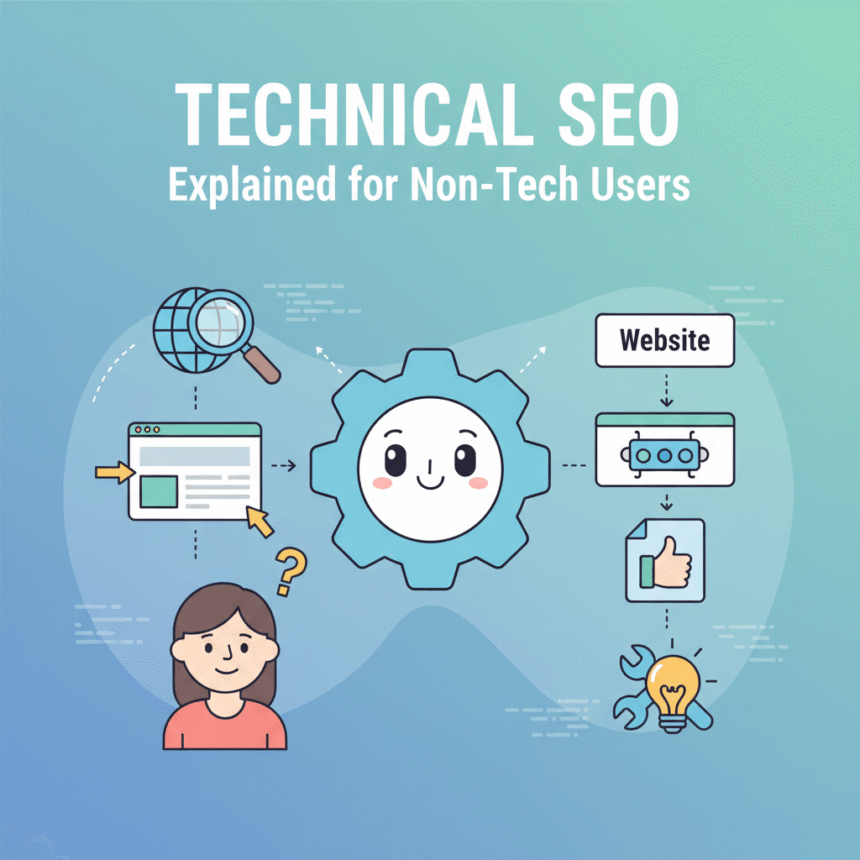
If you think of your website as a house, you probably spend most of your time worrying about the interior design. This includes the colors, the furniture, and the decorations. In the world of websites, this is your content and your images.
However, no matter how beautiful your home is, nobody can visit if the road leading to it is broken or if the front door is locked. Technical SEO is the work done on the foundation and the roads. It ensures that search engines like Google can find your site, understand what is on it, and show it to people searching online.
You do not need to be a computer programmer to understand how this works. Here is a simple breakdown of the most important parts of technical SEO.
1. Crawling and Indexing: The Discovery Phase
Before Google can show your website in search results, it has to know you exist. Google uses automated programs called bots or spiders to “crawl” the internet.
- Crawling: This is when the bot follows links from one page to another to discover new content.
- Indexing: Once the bot finds your page, it tries to understand it and then files it away in a giant digital library called an index.
If your technical SEO is poor, these bots might get stuck or blocked. If they cannot crawl your site, you will never show up on the first page of search results.
2. Site Speed: The Need for Quickness
Have you ever clicked on a link and waited more than three seconds for it to load? Most people get frustrated and leave. Search engines know this, so they prefer websites that load quickly.
A fast website provides a better experience for your visitors. You can improve your speed by using smaller image files and choosing a high quality hosting provider. If your site is sluggish, visitors will “bounce” back to the search results, which tells Google your site might not be the best result for that query.
3. Mobile Friendliness: Browsing on the Go
More people now use their phones to browse the internet than their computers. Because of this, Google uses “mobile-first indexing.” This means Google looks at the mobile version of your website to decide how high you should rank.
A mobile-friendly site adjusts its layout to fit a small screen. Buttons should be easy to tap with a thumb, and text should be large enough to read without zooming in.
4. Security with HTTPS
You may have noticed a small padlock icon next to a website address in your browser. This means the site is using HTTPS, which is a secure way to send data.
Security is a top priority for search engines. They want to send users to sites where their information is safe. If your website is not secure, browsers might show a warning to users, which can drive them away instantly.
5. Site Architecture and Navigation
A good website should be organized like a well-labeled filing cabinet. You want your most important pages to be easy to find.
A “flat” site structure is usually best. This means that a user (and a search engine bot) should be able to reach any page on your site in three clicks or less from the homepage. Using a clear menu and a “sitemap” helps Google understand the relationship between your different pages.
6. Finding and Fixing Broken Links
Links are the bridges of the internet. Sometimes, those bridges break. This happens when you delete a page or change its address without telling the search engine.
When a user clicks a broken link, they see a 404 error page. Having too many broken links makes your site look neglected. Regularly checking for these errors and “redirecting” them to the correct page keeps your site healthy.
Summary for Beginners
Technical SEO might sound intimidating, but it is really just about making sure your website works perfectly for both humans and robots. When your site is fast, secure, and easy to navigate, search engines are much more likely to reward you with higher rankings.
Focusing on these basics creates a strong foundation. Once the “roads” to your website are clear and the “foundation” is solid, your great content can finally get the attention it deserves.