


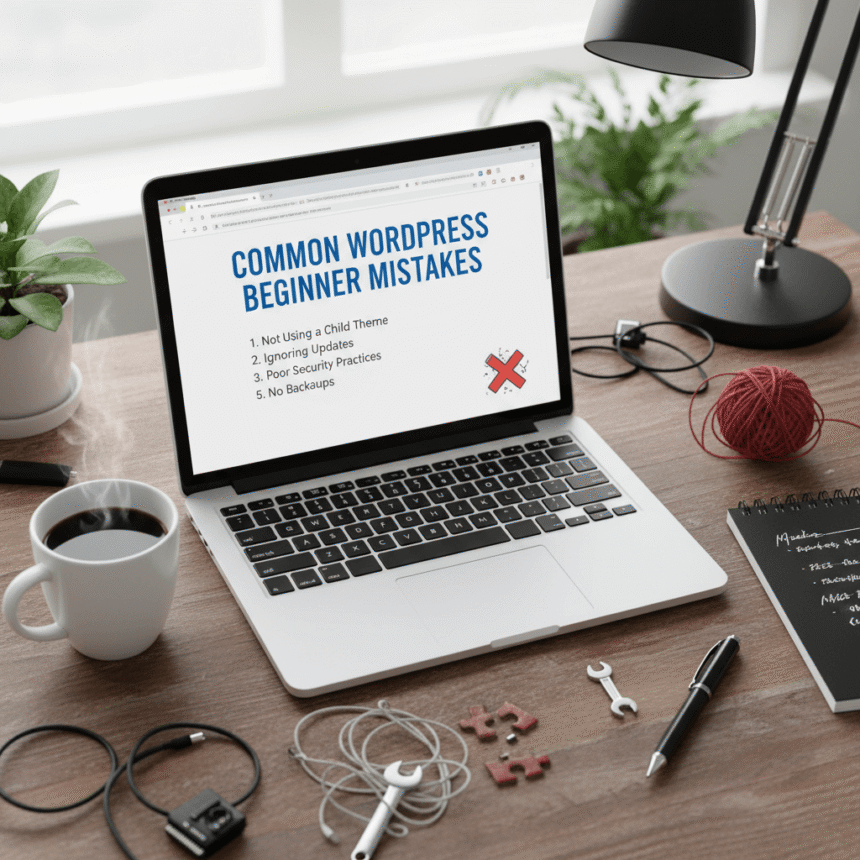
Starting a new website with WordPress is an exciting journey. It is one of the most powerful tools available for building a blog or a business site. However, because it offers so many options, it is very easy for beginners to take a wrong turn.
Small mistakes made at the beginning can lead to slow loading speeds, security risks, or even a site that does not show up in search results. Here is a look at the most common WordPress beginner mistakes and how you can avoid them.
1. Choosing the Wrong WordPress Platform
One of the first hurdles is the confusion between WordPress.com and WordPress.org.
- WordPress.com is a hosting service that is easy to start but has many limitations on how you can grow or change your site.
- WordPress.org is the self-hosted version. It gives you full control over your files, allows you to install any plugin, and lets you customize everything.
Most people who want to build a professional brand or a serious blog should choose the self-hosted WordPress.org version.
2. Keeping the Default “Admin” Username
When you install WordPress, many people leave the main username as “admin.” This is a huge security risk. Hackers know that “admin” is the most common username, so they only have to guess your password to get in.
Always create a unique username during the installation. If you already have a site with the “admin” username, create a new user with a unique name, give them “Administrator” rights, and delete the old “admin” account.
3. Using Too Many Plugins
Plugins are like apps for your website. They add great features, but installing too many of them can cause problems. Every plugin you add requires a bit of your server’s power to load.
Having too many plugins can:
- Slow down your website.
- Cause “conflicts” where one plugin breaks another.
- Create security holes if the plugins are not updated.
Only keep the plugins you absolutely need. If you have a plugin you aren’t using, deactivate and delete it.
4. Ignoring Regular Updates
WordPress frequently releases updates for its core software, themes, and plugins. Many beginners ignore these notifications because they are afraid an update might break their site.
However, updates are usually released to fix security bugs. Running an old version of a plugin is like leaving your front door unlocked. Make it a habit to check your dashboard once a week and run all pending updates.
5. Not Setting Up a Backup System
Imagine spending months writing posts and designing your site, only for it to crash because of a server error or a hack. Without a backup, you would lose everything.
Never rely solely on your hosting company for backups. Install a reputable backup plugin that automatically saves a copy of your site to a separate location like Google Drive or Dropbox.
6. Forgetting to Change the Permalink Structure
By default, WordPress might create URLs that look like this: yoursite.com/?p=123. This is not helpful for your readers or for search engines.
Go to Settings > Permalinks and change the structure to “Post Name.” This makes your links look clean, such as yoursite.com/how-to-bake-cake, which is much better for SEO and easier for people to share.
7. Uploading Large, Unoptimized Images
High-quality photos are great, but if you upload them directly from your camera or phone, the file sizes will be massive. Large images take a long time to load, which frustrates visitors and hurts your ranking in search engines.
Before you upload a photo, use a tool to resize it and compress the file size. There are also plugins that can automatically shrink your images as you upload them to keep your site fast.
8. Keeping the Default Tagline
WordPress sites often start with the tagline: “Just another WordPress site.” Many beginners forget to change this. It looks unprofessional and shows up in search engine results.
You can change this by going to Settings > General and entering a tagline that describes what your website is actually about.
Avoiding these common mistakes will give your website a much stronger foundation. By focusing on security, speed, and organization from day one, you will create a better experience for your visitors and a site that is much easier to manage.