


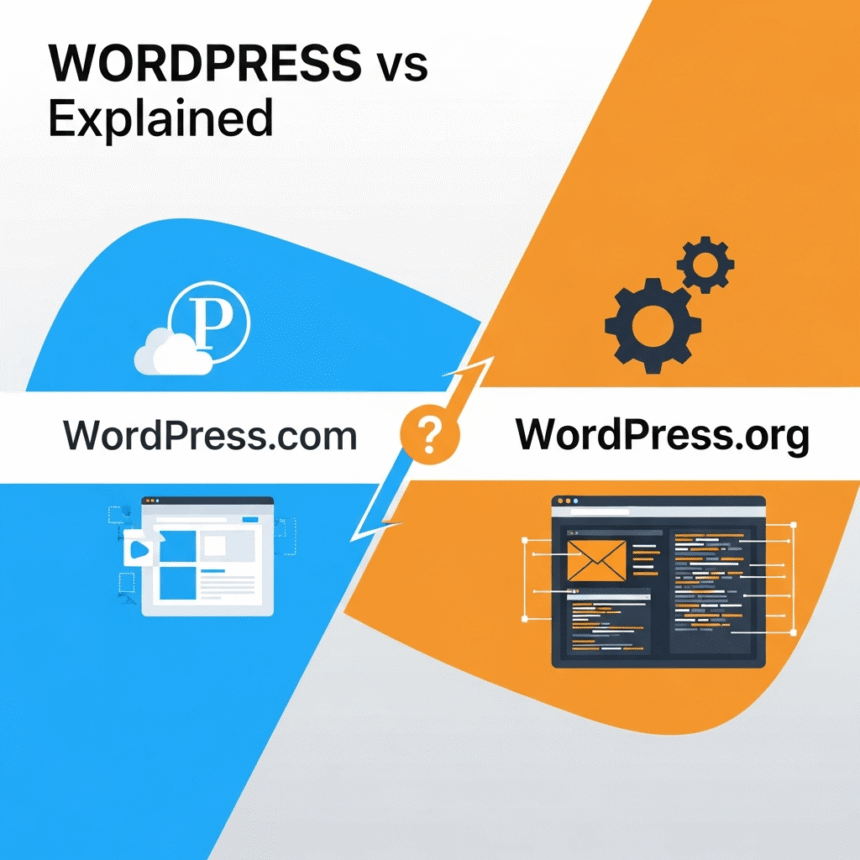
When you decide to start a blog or a website, the first name you probably hear is WordPress. But as soon as you start searching, you find two different websites: WordPress.com and WordPress.org.
It can be very confusing. They have the same name, the same logo, and they even use the same software. However, they are completely different platforms. Choosing the wrong one can lead to frustration or extra costs later on.
Here is a simple guide to help you understand the differences and choose the right one for your goals.
The Apartment vs. The House
The easiest way to think about the difference is using a home analogy:
- WordPress.com is like renting an apartment. The building manager (WordPress.com) takes care of the maintenance, security, and repairs. You just move in and decorate your space. However, you have to follow the building rules and cannot knock down walls.
- WordPress.org is like owning a house. You own the land and the building. You can paint the walls any color, add a second floor, or change the plumbing. But if the roof leaks, you have to fix it or hire someone to do it.
What is WordPress.com?
WordPress.com is a hosted service. This means the company behind it, Automattic, takes care of all the technical stuff for you. You don’t need to buy a separate hosting plan or install software. You simply create an account and start writing.
The Good Parts:
- It is very easy to start: You can have a blog up and running in five minutes.
- No technical headaches: They handle security, backups, and software updates automatically.
- Free option: You can start a blog for $0, though your website address will look like
myblog.wordpress.com.
The Limitations:
- Limited Customization: On the free or cheap plans, you cannot install custom themes or plugins.
- Ownership: You have to follow their terms of service. If they decide your content breaks their rules, they can shut down your site.
- Extra Costs for Freedom: To get features like “no ads” or the ability to install plugins, you have to pay for higher-priced monthly plans.
What is WordPress.org?
WordPress.org is often called “Self-Hosted WordPress.” This is where you download the free WordPress software and install it on your own server. To do this, you need to buy a domain name (like yourname.com) and a hosting plan from a company like Bluehost or SiteGround.
The Good Parts:
- Complete Control: You can change anything you want. You have access to thousands of free and paid plugins that add features like contact forms, SEO tools, or online stores.
- Professionalism: You use your own custom domain name from day one, which looks better to readers.
- True Ownership: You own all your data. Nobody can take your site down unless you stop paying for your hosting.
The Limitations:
- You Are the Boss: You are responsible for clicking the “update” button and making sure your site is backed up.
- Setup Cost: While the software is free, you have to pay for hosting and your domain name (usually starting around $50 to $100 per year).
A Quick Comparison Table
| Feature | WordPress.com | WordPress.org |
| Ease of Use | Very Easy | Moderate (Learning curve) |
| Setup Time | Minutes | 30 to 60 Minutes |
| Hosting | Included | You must buy it |
| Maintenance | Handled for you | You handle it |
| Plugins | Only on expensive plans | Unlimited |
| Custom Themes | Restricted | Unlimited |
Which One Should You Choose?
Choose WordPress.com if:
You are a hobbyist who just wants to write. If you don’t care about making a business out of your site and you hate technical tasks, the simplicity of the hosted version is perfect for you.
Choose WordPress.org if:
You are building a brand, a business, or a professional blog. If you want to customize the design, sell products, or use advanced tools to grow your audience, the self-hosted version is the only real choice.
Most successful bloggers eventually move to WordPress.org because they want more freedom. Starting there from the beginning can save you the trouble of moving your content later.